Which one fits your team?

Choose Twenty
When open-source customization and operating the deployment are requirements.

Choose Attio
When you want a managed CRM with configurable revenue records.
Include upgrades, backups, permissions and migration in the cost of operating an open-source deployment.
The differences that matter
| Decision | Twenty | Attio |
|---|---|---|
| Primary scope | Open-source CRM | Configurable CRM |
| Shortlist when | Open-source customization and operating the deployment are requirements. | You want a managed crm with configurable revenue records. |
| Buying model | See the vendor pricing page | Plus: $50/month · monthly billing |
| Confirm before purchase | Who will own production operations and which paid features are required? | Can the plan support the objects, permissions and API usage your model requires? |
Twenty: where it fits
TwentyPublished capabilities- Open-source CRM foundation
- Modular customization
- Customer and sales records
Who will own production operations and which paid features are required?
Check product scope ↗Twenty is an open-source CRM positioned for organizations that want to assemble and adapt their own system. It combines a CRM foundation with a customization-oriented approach. The buying decision includes both product features and who will operate the result, especially if the team chooses self-hosting.
Capabilities to compare:
- Open-source CRM foundation
- Modular customization
- Customer and sales records
- Organization-specific workflows
- Hosted or self-managed operating choices
Tradeoff: A codebase that can be customized still requires maintained configuration, backups, upgrades and recovery. Confirm the available edition and commercial terms for the deployment you plan to run. Do not assume that every advertised feature is free in every configuration.
In an evaluation: Model a real account and opportunity, make one representative customization and test a data import. If self-hosting, verify backup restoration and an upgrade on non-production data before moving the working sales process.
Attio: where it fits
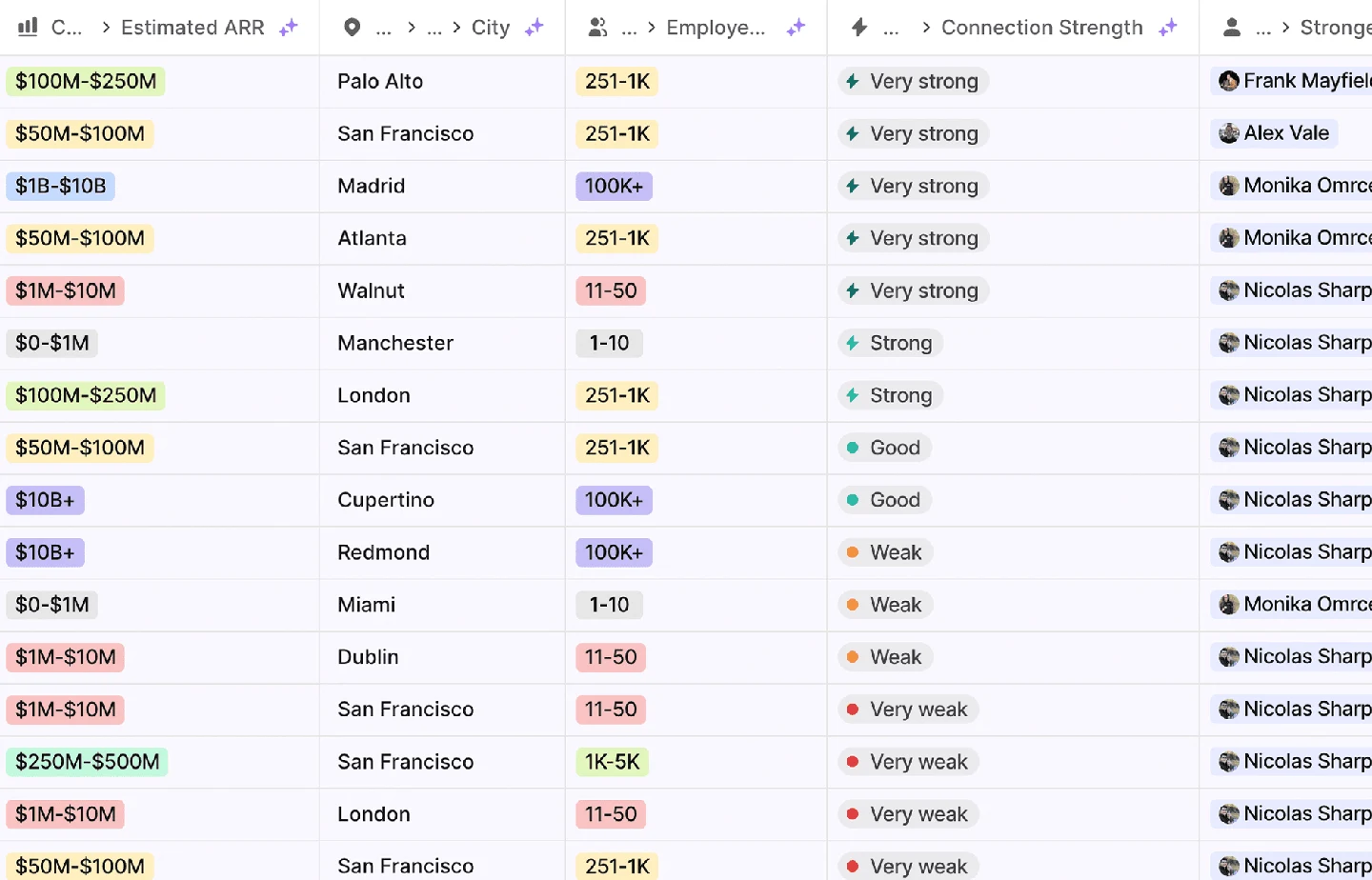
Attio is a configurable CRM and revenue workspace built around records, relationships and workflows. Its current product site includes agents for prospecting, enrichment and routing. The pricing model is particularly important: paid workspace bases and additional users are not interchangeable with a single uniform seat rate.
Capabilities to compare:
- Configurable revenue records
- Relationship and pipeline management
- Enrichment and routing workflows
- Revenue reporting
- Agent-assisted sales work
Tradeoff: A configurable model needs an owner who will maintain object definitions and automations. Confirm object, record, permission and workflow entitlements on the selected plan. Price the workspace base and extra users separately.
In an evaluation: Import one account with several contacts, an opportunity and an external relationship. Build the real views and automation, test a duplicate and an ownership change, then verify that reporting still answers the team’s actual operating questions.
The pricing record separates billing periods, allowances and source dates. Use that configuration in the cost comparison rather than combining a monthly seat price with a different product’s annual rate.
Questions buyers ask
A useful evaluation
Include upgrades, backups, permissions and migration in the cost of operating an open-source deployment.
Use the same inputs and record the purchased edition, charges, output statuses and manual work. Save the export and a failed-run example so the future owner can inspect the result.