Which one fits your team?

Choose Attio
When you want to configure the revenue record model around your own process.

Choose HubSpot CRM
When sales must share a wider customer platform with marketing or service teams.
Map required objects, automations and integrations to the purchased edition.
The differences that matter
| Decision | Attio | HubSpot CRM |
|---|---|---|
| Primary scope | Configurable CRM | Customer platform |
| Shortlist when | You want to configure the revenue record model around your own process. | Sales must share a wider customer platform with marketing or service teams. |
| Buying model | Plus: $50/month · monthly billing | See the vendor pricing page |
| Confirm before purchase | Can the plan support the objects, permissions and API usage your model requires? | Which hubs and seat types are in the quote, and what changes at renewal? |
Attio: where it fits
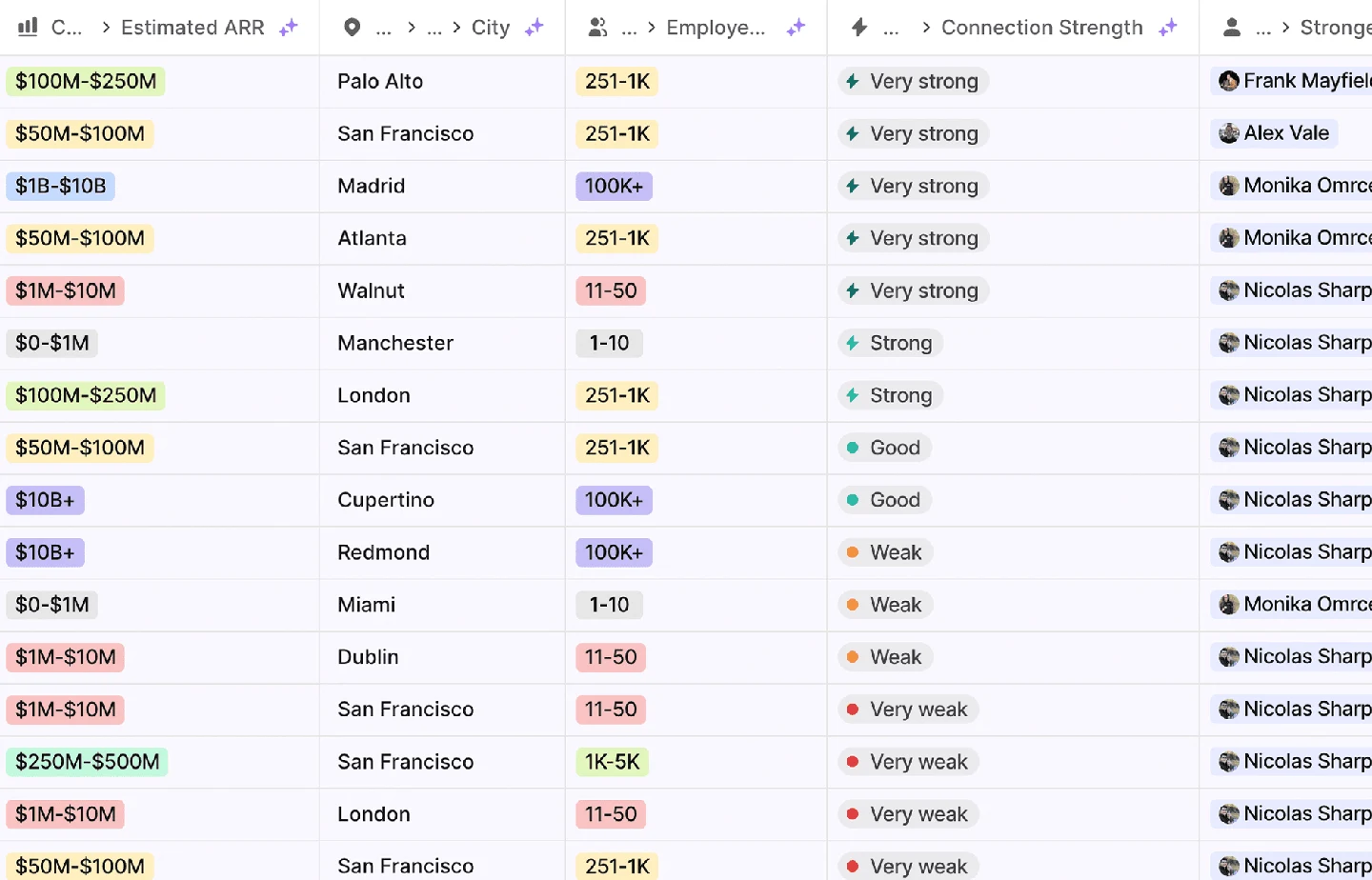
Attio is a configurable CRM and revenue workspace built around records, relationships and workflows. Its current product site includes agents for prospecting, enrichment and routing. The pricing model is particularly important: paid workspace bases and additional users are not interchangeable with a single uniform seat rate.
Capabilities to compare:
- Configurable revenue records
- Relationship and pipeline management
- Enrichment and routing workflows
- Revenue reporting
- Agent-assisted sales work
Tradeoff: A configurable model needs an owner who will maintain object definitions and automations. Confirm object, record, permission and workflow entitlements on the selected plan. Price the workspace base and extra users separately.
In an evaluation: Import one account with several contacts, an opportunity and an external relationship. Build the real views and automation, test a duplicate and an ownership change, then verify that reporting still answers the team’s actual operating questions.
The pricing record separates billing periods, allowances and source dates. Use that configuration in the cost comparison rather than combining a monthly seat price with a different product’s annual rate.
HubSpot CRM: where it fits
HubSpot CRMPublished capabilities- HubSpot's MCP server couldn't run our CRM queries: `query_crm_data` failed on a missing scope. A private-app token over the REST API worked.
- Searching companies by domain with `EQ` missed `www.` forms and subsidiary domains. Normalise domains before matching.
Which hubs and seat types are in the quote, and what changes at renewal?
Check product scope ↗HubSpot puts a free CRM under a wider platform for marketing, sales and service, so the cost comes from the paid hubs, seats and credits you add. It fits teams that want marketing and sales in one system, or a free start.
We ran our sales process on HubSpot and pulled a full API export of the portal in September 2026. The record model held up; the problems were in what our integrations had written into it. Our sync had been reading 9 of 285 company properties, and the export showed firmographics filled on far more companies than we knew, enough that we dropped a planned enrichment purchase. Status flags needed rebuilding from deal history, two sync tools wrote the same attribution fields, and a second pipeline we had added created a twin of each closed-won deal. For API work, the search endpoint stops at 10,000 results and its exact domain filter missed www. and subsidiary domains. The HubSpot CRM review and the CRM migration checklist have the detail.
If you are choosing between the two, the integration discipline matters more than the tool: decide which system owns each field before you connect anything.
Questions buyers ask
A useful evaluation
Map required objects, automations and integrations to the purchased edition.
Use the same inputs and record the purchased edition, charges, output statuses and manual work. Save the export and a failed-run example so the future owner can inspect the result.